
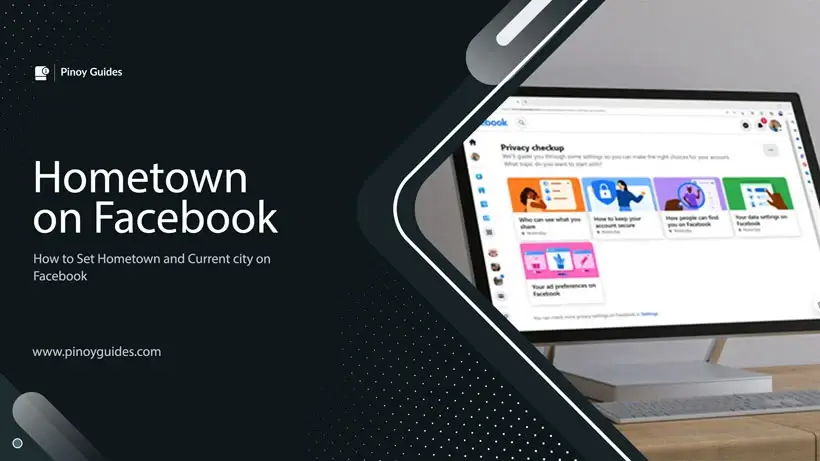
Facebook offers a variety of privacy settings that allow users to control who can see their personal information, including their hometown, current city, and birthday. Understanding how to navigate these settings is crucial for maintaining your privacy on the platform.
Setting Your Hometown and Current City
Hometown Privacy
Your hometown setting on Facebook is visible only to your Friends by default. However, it’s important to note that advertisers and other entities may still access this information, particularly if you’re using the Facebook app, which can track your location automatically.
Changing Hometown and Current City
To set or change your hometown and current city:
- Go to your profile page by clicking on your profile photo in the side menu bar.
- Click on “About” or “See Your About Info” if you’re using the app.
- Navigate to the “Contact and basic info” section or “Basic Info” in the app.
- Here, you can input your current city and hometown.
Privacy Options for Places Lived
When adding your current city and hometown, you can choose who sees this information by clicking on the privacy button. Options include “Public,” “Friends,” or “Only me”. If you select “Friends Only,” only your friends will see the cities listed on your profile.
Hiding Your Cities
Facebook allows you to hide your current city and hometown from everyone except your friends, or even make it visible to only certain people while blocking others. If you hide your hometown or current city, your profile won’t appear in searches for those locations on Facebook.
Setting Your Birthday
To set or change your birthday:
- Access your profile page by clicking on your profile photo.
- Click on “About” or “See Your About Info” in the app.
- In the “Contact and basic info” or “Basic Info” section, you can adjust your birthday settings.
Additional Privacy Settings
Facebook provides a plethora of privacy settings beyond just your hometown and birthday. These include:
- Setting your relationship status.
- Managing your work history and education.
- Controlling who can see your friends list.
- Adjusting who can see the people, Pages, and lists you follow.
- Viewing how others see your profile.
- Choosing who can comment on your public profile pictures and other public information.
- Adding more information to your profile.
- Selecting your audience for Posts and Stories.
- Blocking individuals from interacting with you.
- Enabling two-factor authentication for added security.
- Receiving alerts for unrecognized logins.
- Managing who can send you friend requests.
- Deciding if your phone number or email can be used to find you.
- Choosing if your profile appears in search engine results.
- Using Facebook to log into other apps and websites.
- Removing or turning off Facebook login for specific apps and websites.
- Turning off game and app notifications.
- Managing ad preferences, such as hiding ads from specific brands or turning off personalized ads.
- Selecting profile information to share with marketers.
- Choosing interests to share with marketers.
- Deciding whether your interactions with companies appear in ads.
Conclusion
Facebook’s privacy settings are comprehensive and can be tailored to fit your comfort level with sharing personal information. It’s essential to regularly review and adjust these settings to ensure that you have control over your privacy on the platform. Remember that while you can limit visibility to your friends, certain information may still be accessible to advertisers and through the Facebook app’s location tracking.