
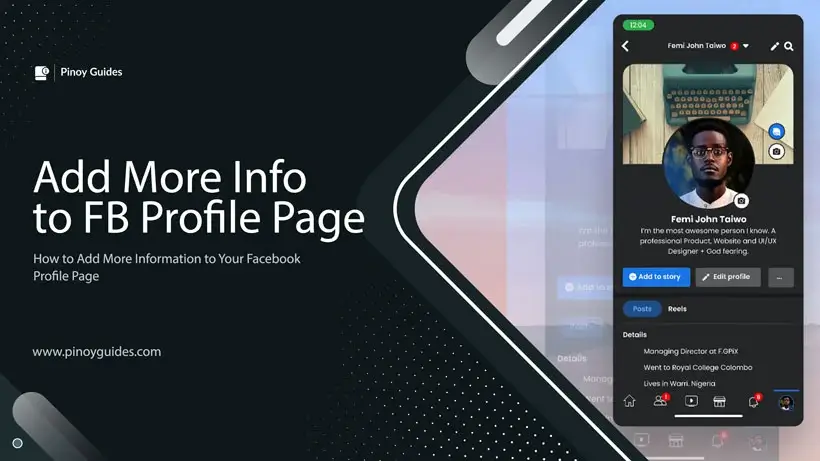
Facebook offers a variety of options for personalizing your profile page with information that reflects your identity and interests. This guide will walk you through the steps to add more details to your profile and manage who can see them.
Accessing Your Profile Page
To begin the process of adding more information to your Facebook profile, you need to navigate to your profile page. This can be done by clicking on your profile photo, which is typically found in the side menu bar.
Exploring the About Tab
Once on your profile page, locate the About tab. Here, you will find various categories of personal information that you can add to your profile. These categories include:
- Religious views
- Political views
- Social channels
- Websites
- Primary language
- Nickname
- Birth name
- And more
Adding Personal Details
For each category, you can input your information to share more about yourself with your Facebook friends or the public. This is a way to express your identity and connect with others who share similar views or interests.
Controlling Your Privacy
Facebook allows you to control the audience for each piece of information you add. You can set the visibility ranging from Only Me to Everyone. This means you can keep some details private while sharing others more broadly.
Important: It’s essential to be mindful of the information you share and with whom you share it. Adjust your privacy settings according to your comfort level and the sensitivity of the information.
Understanding the Impact
While adding information to your profile can enhance your social experience on Facebook, it’s worth noting that some of this information may be used for targeted advertising. The details you provide could influence the types of ads you see on the platform.
Bold Reminder: Always consider the potential implications of sharing personal information on social media, including how it might be used for advertising purposes.
Conclusion
Updating your Facebook profile with additional personal information is a straightforward process that can help you showcase your personality and preferences. By visiting the About tab on your profile page, you can add a variety of details and set privacy levels for each. Remember to be conscious of the information you share and how it may be utilized by Facebook, particularly in the context of advertising.